
Optimizations
Match settings to a specific symptom rather than assuming fewer running services automatically makes Windows faster.
Before applying: Security and reliability trade-offs take priority over tiny benchmark differences.
After applying: Compare a representative task before and after the change.
Cross-check version-dependent options in Winhance releases and applicable Microsoft documentation.
The Optimize section groups the settings that affect how Windows behaves day to day: responsiveness, data collection, power use and background noise. Everything is sorted by category so you can review a group before applying anything.
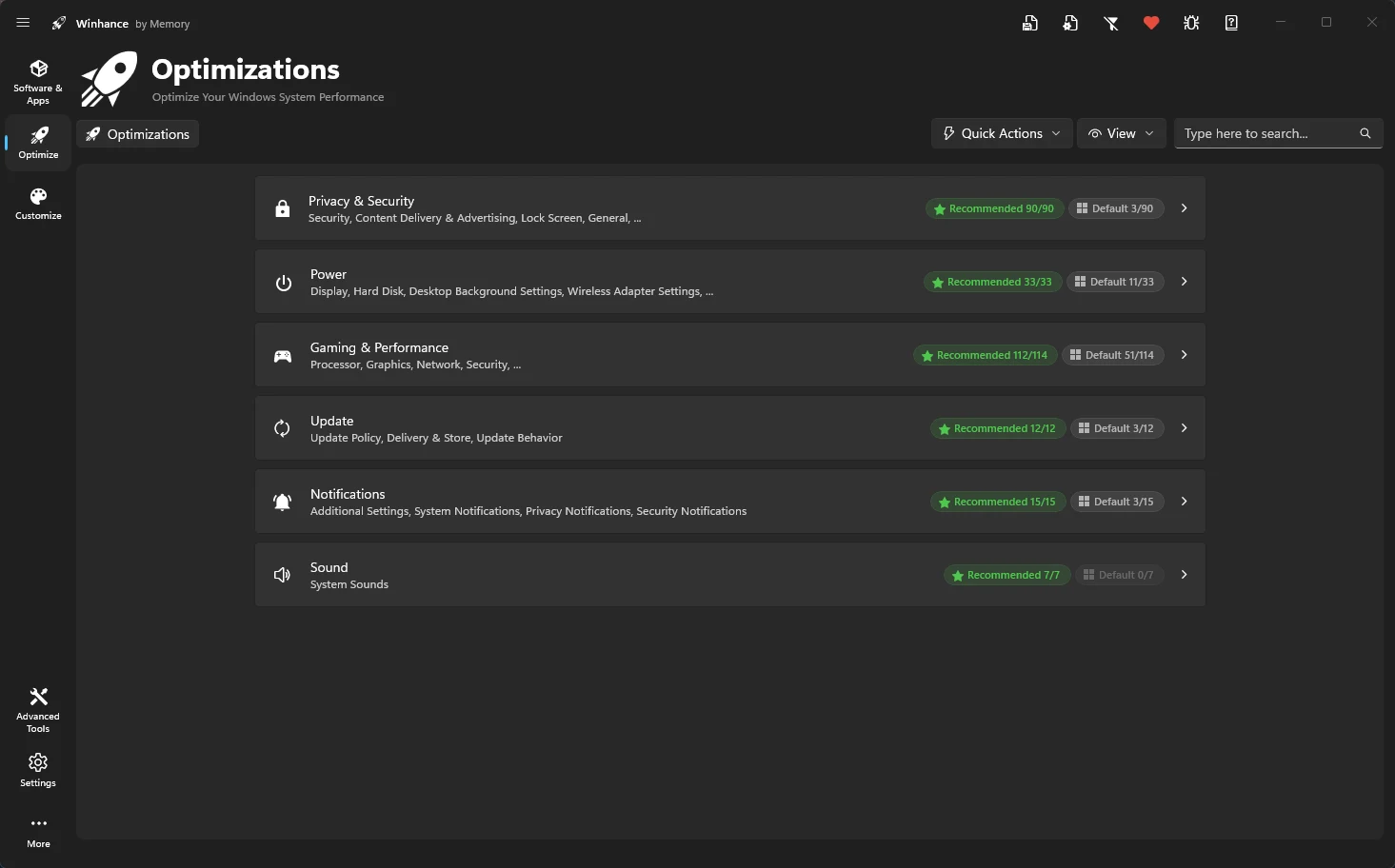
Disable telemetry, tracking, and harden your system security.
Unlock Ultimate Performance and fine-tune processor power settings.
Reduce latency and maximize frame rates with specialized tweaks.
Control update behavior and prevent driver overwrites.
Optimizations applied in Winhance are not persistent. Winhance applies them once at your request but does not continuously monitor or re-apply them if they are changed by Windows later.
Choose an optimization you can measure
Practical check: Compare a representative task before and after the change.